




Website or Mobile App? Choosing the Right Approach for Your Bulimba Business

23 November 2026

Your mobile app or website decision should start with what customers need to do. For a Bulimba service business, that might mean finding information, rebooking a familiar service or checking a useful update. Review how that task works today, then assess whether improving the existing website or introducing a dedicated app would offer a more useful experience. Consider customer effort, reasons to return and the ongoing support each option requires.

Mobile app or website comparison for a Bulimba service business

What are you really trying to improve?

Before comparing platforms, define the customer task. “We need an app” may actually mean:

  • Customers struggle to find the booking link.
  • The existing website is slow or awkward on a phone.
  • Returning customers repeat the same enquiry.
  • Staff spend too much time answering routine questions.
  • Customers want reminders, updates or easier rebooking.

Your website and mobile app can support different stages of the customer relationship. A website helps new customers discover your business, understand your services and make an enquiry. A mobile app can give existing customers a convenient way to return, access useful information and stay connected. The right approach depends on which part of that experience you want to strengthen.

Consider your website and mobile app options alongside the customer journey you want to support. Each can play a useful role in helping people discover your business, take the next step and stay connected over time.

Is a mobile app or website better for customer effort?

Customer effort is the amount of work someone must do to complete a task. It includes finding the right page, understanding what to do, entering information, remembering passwords and waiting for confirmation.

A mobile website usually has a lower first-use barrier. A customer can tap a link from Google, social media, an email or a message without installing anything. This is valuable for occasional customers or people comparing several providers.

An app gives customers a familiar place to return between visits as well as when they need your service. Useful information, relevant updates and convenient booking access can give them reasons to stay connected throughout the year.

The app format matters too. A native app is typically installed through an app store, while a progressive web app can be accessed through a browser and added to the home screen. Compare the actual access steps and available features of the proposed solution.

Ask these practical questions:

  • Can a new customer complete the main task without help?
  • Can a returning customer do it faster than last time?
  • Is the booking or enquiry pathway obvious on a small screen?
  • Are there unnecessary forms, logins or hand-offs?
  • How could the app make this task easier or more convenient for your customers?

When is an app premature?

An app is often premature when the underlying customer experience is not yet reliable. Building a new channel will not automatically fix unclear services, incomplete information or a difficult booking process.

Consider improving the mobile website or pathway first if:

  • Your website is not easy to use on a phone.
  • Booking links open slowly or break between devices.
  • Customers still need to phone for basic information.
  • You do not know which customer task should be repeated in an app.
  • Most customers are one-off or infrequent visitors.
  • There is no clear plan for updates, support and ownership.

A useful first step is a Digital Foundation Engagement , which can help clarify the structure, tools and priorities that need to work before adding complexity.

How does repeat use change the decision?

Repeat use is one of the strongest reasons to consider an app. The more often customers return to complete a similar task, the more opportunity there is for an app to save time or provide a better experience.

Depending on the agreed booking setup and available features, a beauty business could assess whether an app would help regular clients:

  • Rebook a familiar service in a few taps.
  • View upcoming appointments and reminders.
  • Manage preferences or loyalty benefits.
  • Receive relevant availability notifications.

But a mobile website may be enough if the main need is simply to see services, choose a time and confirm a booking. The existing booking system may already support reminders and customer accounts without a separate app.

A property-service business may have customers who regularly need service information, preparation guidance, updates or the correct contact details. An app could provide a familiar place to access that information. If the need is occasional and the existing website already makes it straightforward, improving that page may be sufficient.

These are hypothetical examples, not assumptions about every business or customer in Bulimba. Your decision should come from observed behaviour and conversations with your customers.

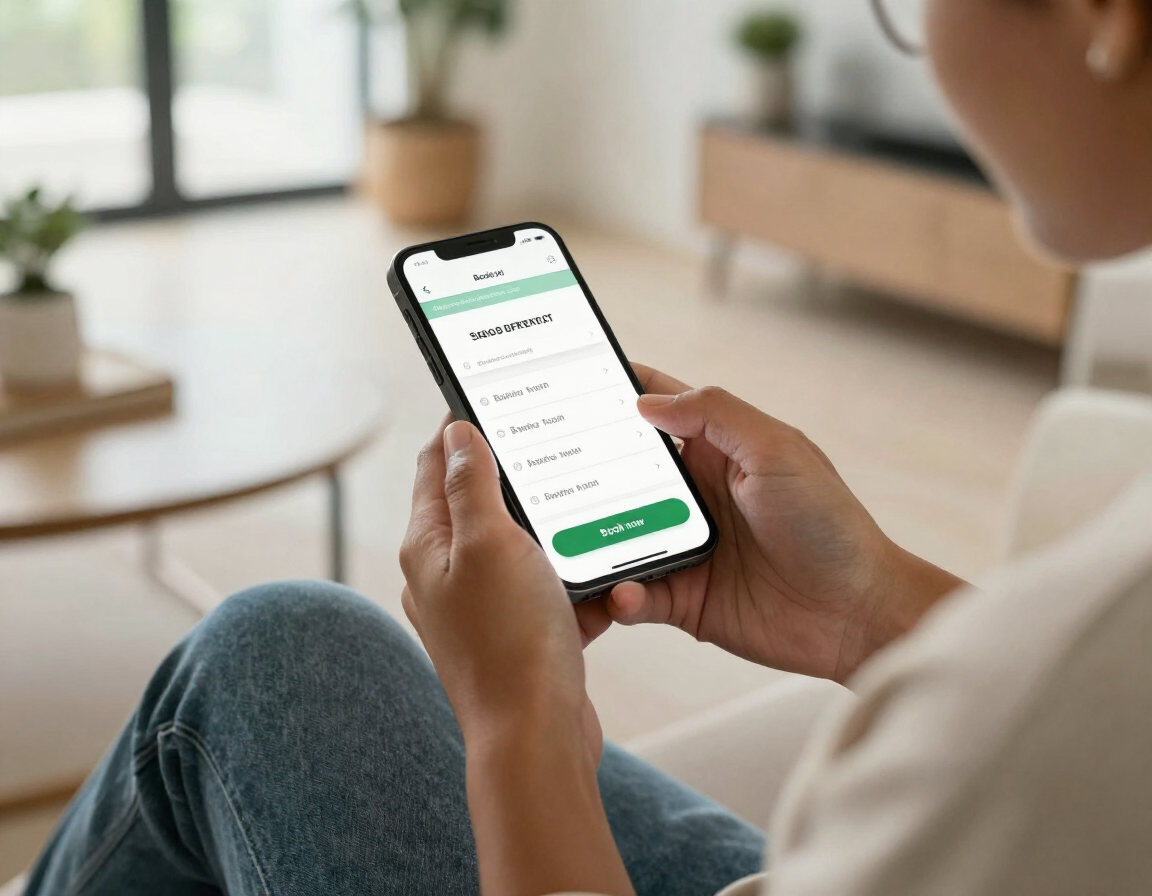
Customer using a simple mobile booking pathway for a local service

What existing tools should you check first?

An app does not operate alone. It may need to connect with booking, payment, customer-management, messaging, calendar or reporting tools. Before planning new functionality, map what you already use.

Review:

  • Your website platform and mobile performance.
  • Booking or appointment software.
  • Payment and invoicing processes.
  • Customer records and consent requirements.
  • Email, SMS and notification tools.
  • Staff workflows for responding to requests.
  • Analytics showing where customers leave the journey.

The most useful improvement may be a clearer connection between the tools you already use. Before adding an app, check whether your website makes the booking, payment or enquiry route easy to find and complete. If you identify an additional recurring customer need, explore how a customer-facing mobile app could support it.

A Mobile App Design project is more useful when the purpose, audience and repeat task are already clear. Technology should follow the service model, not lead it.

What ongoing care do websites and mobile apps need?

Your website and mobile app are ongoing parts of your customer experience. Both benefit from current information, working links and forms, reliable functionality, testing and improvements as your business evolves.

A website supports discovery, service information and enquiries. A mobile app can support convenient return visits, useful updates and ongoing customer connections. The care each needs should reflect those roles and the technology used.

Plan who will:

  • Keep services, prices and contact details current.
  • Check booking links, forms and other customer pathways.
  • Manage relevant technical updates and compatibility checks.
  • Review privacy, permissions and access settings.
  • Respond to customer feedback and identify useful improvements.

For native apps, ongoing care also includes relevant app-store and release requirements. Progressive web apps follow a different publishing process. Planning that support from the beginning helps your website and app continue serving your business and its customers over time.

Ongoing support is part of the investment. Digital Momentum Care explains the value of continuing to refine a digital asset after launch rather than treating launch as the finish line.

How can you test an app idea before building it?

Test one returning-customer task before committing to a full app. Choose a task that happens often enough to observe and matters enough to improve.

1. Choose one task

Examples include rebooking a regular beauty appointment, checking a service update or submitting a recurring property request. Keep the test narrow. Do not begin with “build an app”; begin with “make this task easier for this customer”.

2. Measure the current experience

Record how customers complete the task today. Note the number of steps, questions, hand-offs, errors and support requests. Also ask customers what they expected to happen next.

3. Create a simple prototype

A prototype can be a revised mobile webpage, clickable screen design or improved booking flow. It does not need to contain every possible feature. Show customers the proposed task and ask them to complete it without coaching.

4. Compare the effort

Look for evidence rather than enthusiasm. Did customers finish more easily? Did they understand the next step? Would they use the pathway again? Would they install an app for this task, or would a link be more convenient?

5. Decide what to build next

If the test reveals a clear, repeated need, document the features and upkeep required. If it does not, improve the website or booking pathway and test again. A Website Pulse Check can be a practical starting point for reviewing the current experience.

A simple decision guide

Consider improving the mobile website or booking pathway first when:

  • Customers are mostly new or occasional.
  • The main problem is finding information or booking.
  • You need to reduce friction quickly across many devices.
  • Existing tools can already handle accounts, reminders or payments.

An app deserves a closer look when:

  • A defined group returns frequently.
  • One or more tasks happen repeatedly.
  • Saved information, notifications or personalisation add real value.
  • Customers have a clear reason to install and return.
  • You can support updates, testing and ongoing improvements.

Your website and mobile app can work together to support the customer journey. Your website helps people discover your business, explore your services and make an enquiry, while an app can give existing customers a convenient way to rebook, access useful information and stay connected. You can develop either or both around your business priorities and the experience you want to provide.

Business owner reviewing digital customer journey improvements after launch

Choose the next digital step for your Bulimba business

Start with one customer task and review how it works today. An improved mobile website, clearer booking pathway or dedicated app may each have a role, depending on the experience you want to provide.

Contact us to discuss your customer journey and whether a mobile app is an appropriate next step for your business.

If you would like to begin by reviewing your existing website, download your Website Pulse Check.

Share this article:

Recent Posts

A business owner in a white shirt checks his app while holding a pen at a desk in a busy office.
by Carman Adams • 24 November 2026
Give customers a reason to return to your business app beyond a welcome offer, with useful information, clear booking access and relevant updates.

Brisbane city with modern skyscrapers beyond a wide river and a green riverside park at dusk
19 November 2026
Explore ongoing website and app care after launch, including maintenance, access, content, customer journeys and practical improvements.

business owner reviewing documents at a table with a laptop, notebook, and potted plant
by Carman Adams • 17 November 2026
Check who receives your website enquiries, what customers are told and who follows up after a form is submitted.

by Carman Adams • 14 November 2026
Ecommerce website design for established Brisbane businesses
Hands typing on a laptop with a bright order web page open on the screen
by Carman Adams • 11 November 2026
Review what your order confirmation tells customers about status, collection or delivery, and the next step after they pay.

Silhouette of a person walking by a Brisbane riverside at sunset, framed by trees and a lamppost.
by Carman Adams • 8 November 2026
Digital strategy for Brisbane businesses planning a website, app or SEO project. Learn what to prioritise and how local search fits your investment.

business team collaborating a workaround at a desktop computer in a modern office.
by Carman Adams • 3 November 2026
Recurring digital workarounds can reveal a process worth reviewing. Notice what triggers the extra work before choosing a new tool or larger project.

business owner using a laptop and tablet on a wooden floor, browsing their website services.
by Carman Adams • 29 October 2026
Review your services, clients, evidence and enquiry pathways before a website redesign. Compare a focused refresh with a wider rebuild.

Business owner reviewing a proposal and service information at a desk.
by Carman Adams • 28 October 2026
Useful evidence may already sit in your proposals and everyday work. Bring it onto your website to help prospective clients assess your business.

Brisbane City skyline at dusk with illuminated bridge over a river and reflections on the water
by Carman Adams • 23 October 2026
A practical guide to local SEO for Brisbane businesses, covering Google Business Profile, service pages, reviews, technical checks and useful measurement.
Show More