




Has Your Business Outgrown Its Website? What to Review Before You Redesign

29 October 2026

Your business can evolve while its website still looks presentable. The services have changed, the team has developed and the clients you want to attract may be different. Yet the site continues to describe the business as it was when the pages were written.

A redesign can help bring the digital presence into line with that progress. First, it needs a clear brief. Without one, a new visual treatment can leave the same unclear services, missing evidence or awkward enquiry process in place.


For an established business considering a website redesign in Brisbane, the useful starting point is a review of what has changed, what visitors need and what the existing site should retain. That review helps distinguish a focused refresh from a larger structural or technical project.

Identify what has changed in the business

business owner reviewing business statistics with a magnifying glass on a white desk.

Begin with the business rather than a list of preferred website features. Record the changes since the current site was planned: services introduced or retired, clients now served, team capabilities, delivery arrangements and commercial priorities. An accounting practice might now provide advisory support, while the website still centres on routine compliance. A property business might have expanded its work with commercial owners, while its imagery and examples describe only residential services. These are hypothetical situations, but they illustrate why a current service list alone may not tell the whole story.

Separate changes that matter to visitors from internal changes that do not need a prominent place online. A new internal system may be irrelevant to a prospective client; a simpler appointment pathway could be highly relevant. Then state the business requirement plainly. “Make our advisory service easier to understand and enquire about” is a more useful project starting point than “make the site more modern”. The design can then respond to a defined need.

Check whether the website speaks to the right clients

Read the homepage and priority service pages as someone who knows little about the business. Can that person tell who the service is for, what help is available and why the business might be a suitable choice?


Look for wording that is accurate but too broad to help someone assess fit. A property management page may describe an experienced team without explaining the types of properties supported. A healthcare practice may describe its values well but leave first-appointment arrangements uncertain.

The issue may be incomplete information, an unsuitable emphasis or a page that tries to address too many audiences at once. Each can require a different response. More words are not automatically the answer; sometimes the most useful change is a clearer explanation and a better order of information. Google’s SEO Starter Guide also recommends useful, organised content and clear page titles. Search considerations belong in that planning, but the language should remain understandable to the person making a decision.

Bring relevant evidence into the review

Your team may explain its capabilities well in proposals, meetings and everyday client communication. Check whether the website makes the appropriate parts of that knowledge visible. Useful evidence can include accurate team experience, a permitted project example, a clear process description or genuine client feedback. Match it to the question someone is likely to have. A prospective client may need to understand how an engagement is managed, rather than see another general statement about excellent service.


Check permission and confidentiality before reusing material. If a result cannot be substantiated, do not turn it into a performance claim. A carefully described approach can be valuable without promising the same outcome for every client. Our Momentum Note, Your Website May Be Missing Your Strongest Proof, explores this single issue in more detail. Within the redesign review, the decision is where relevant evidence belongs and what information it supports.

Follow the journey from interest to enquiry

Doctor consulting with an older patient and child at a clinic desk

Choose one priority service and trace the route a visitor might take. Start at a likely entry page, find the service information, review the evidence and follow the invitation to enquire or book. Test the actual process rather than checking whether a button exists. Does it lead to the right form or booking destination? Are the instructions clear? Does a test enquiry reach the intended person? Is the next step explained after submission?

Repeat the review on a phone. Check text readability, navigation, forms and any essential third-party destination. A desktop review alone will not show you how the same tasks feel on a smaller screen. For a healthcare practice, the public site may need to explain appointment arrangements and link to the appropriate booking system. For an accounting practice, an initial enquiry may need a different pathway from an existing client uploading documents. Decide which task belongs where.

A secure portal or client app may be appropriate for repeat tasks and document access. That does not mean the public website must carry every function, or that every redesign needs an app. Define the task, access needs and ongoing management before choosing the platform.

Gather evidence before deciding what to replace

Combine the page review with available observations. Ask the team which questions keep coming through, what causes confusion and where prospective clients need extra explanation. Where configured, Search Console can show queries, impressions and clicks associated with website pages. These measures describe search visibility and interaction, rather than the quality of the resulting enquiries. Compare them with the business’s own enquiry records and service priorities.

A page with little traffic may still matter if it supports a valuable referral or an existing client task. A well-visited page may attract interest unrelated to the services you want to grow. Use judgement rather than automatically keeping only the busiest pages. Write down what is known and what remains uncertain. For example, “clients repeatedly ask how the advisory engagement begins” is useful evidence for a clearer process explanation. “Nobody likes the current design” needs more investigation before it becomes the basis for a rebuild.

Compare a refresh with a broader redesign or rebuild

The scope should respond to the identified gaps and the condition of the current site. These categories are a planning aid, not fixed product packages.

Possible response When it may fit What to establish first
Content refresh The structure and platform remain useful, but services, proof or instructions are outdated Which pages need revision and who can supply accurate information
Structural or visual redesign The site needs a clearer hierarchy, navigation or presentation, while much of the platform can remain The priority audiences, page structure and visitor tasks
Functional extension The main gap is a defined task, such as booking, intake or document access Whether an existing tool, integration, portal or app can serve the task
Rebuild or platform change Technical or operational limits prevent the agreed requirements being met appropriately The actual limitation, migration work, ownership and ongoing support

A larger project may combine several of these. The purpose of the comparison is to make the reasons visible. A dated colour palette does not, on its own, establish a need for a new platform. Equally, repeated structural or technical limits should not be disguised as a small copy update. This is where Find Your Pulse can help define priorities and a digital direction before committing to the build scope. A Discovery Call is an initial conversation about the situation; a detailed strategy engagement is a separate piece of work where appropriate.

Protect useful content and search pathways

Before removing or merging pages, record what exists and why it matters. Include useful service explanations, approved evidence, public addresses that people may have saved, links from other websites and pages already receiving relevant search visits. Where URLs will change, Google’s migration guidance recommends mapping old addresses to relevant new destinations, implementing redirects and monitoring the move. Ask the responsible specialist to plan this work before launch. Do not assume a new design automatically carries every existing pathway across.

Retaining a URL is not enough if the content that made it useful disappears. Review page purpose and substance alongside the technical address. Likewise, avoid sending every removed page to the homepage without considering the visitor’s original task. Changes can affect search visibility, and a migration plan cannot guarantee unchanged rankings. SEO and Search Visibility should be considered within the project when important content, navigation or addresses are being altered.

Prepare a brief that can guide the work

Turn the review into a concise project brief. It should explain:

  • The business changes the website needs to reflect.
  • The priority clients and services.
  • The tasks visitors need to complete.
  • The useful content and evidence to retain or add.
  • The functions or integrations that need assessment.
  • The proposed scope and the reason for it.
  • The content, approvals, migration and launch responsibilities.
  • How the site will be reviewed and maintained afterwards.

Include a small number of practical success measures. These might concern whether enquiries relate to the intended service, whether visitors receive the right information or whether an existing manual task is handled more clearly. Decide what can actually be observed with the tools and resources available. Avoid setting an unsupported revenue or conversion promise. Multiple business and market factors affect those outcomes, and a redesign is only one contribution.

Plan for the website after launch

A website begins falling behind again if nobody owns its information. Decide who will update service details, review evidence, test important pathways and raise changes in the business. Set a review rhythm that fits the organisation. A service change may need an immediate update; other improvements can be gathered for a planned review. Keep content ownership separate from technical support responsibilities so neither is assumed to be handled by someone else.

Thoughtful Website Design connects the initial work with that ongoing care. The aim is a website that reflects the business more accurately and can be maintained as it develops. If your website no longer represents the business you run today, book a Discovery Call with Pulse & Flow Haus to discuss the gap and the appropriate next step.

Share this article:

Recent Posts

A business owner in a white shirt checks his app while holding a pen at a desk in a busy office.
by Carman Adams • 24 November 2026
Give customers a reason to return to your business app beyond a welcome offer, with useful information, clear booking access and relevant updates.

Mobile app or website comparison for a Bulimba service business
by Carman Adams • 23 November 2026
Explore how a website and mobile app can help your Bulimba business attract new customers, support return visits and build ongoing relationships.

Brisbane city with modern skyscrapers beyond a wide river and a green riverside park at dusk
19 November 2026
Explore ongoing website and app care after launch, including maintenance, access, content, customer journeys and practical improvements.

business owner reviewing documents at a table with a laptop, notebook, and potted plant
by Carman Adams • 17 November 2026
Check who receives your website enquiries, what customers are told and who follows up after a form is submitted.

by Carman Adams • 14 November 2026
Ecommerce website design for established Brisbane businesses
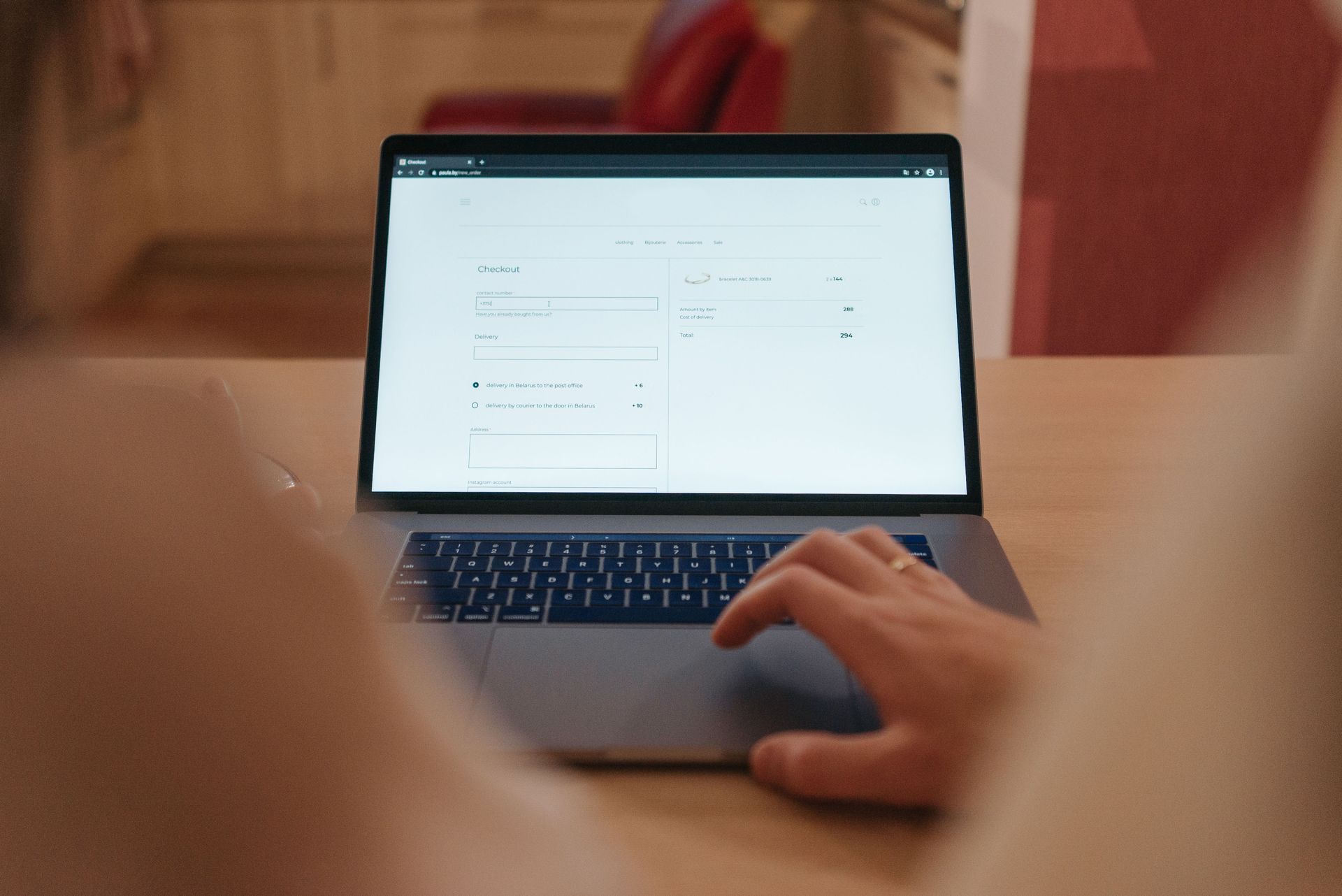
Hands typing on a laptop with a bright order web page open on the screen
by Carman Adams • 11 November 2026
Review what your order confirmation tells customers about status, collection or delivery, and the next step after they pay.

Silhouette of a person walking by a Brisbane riverside at sunset, framed by trees and a lamppost.
by Carman Adams • 8 November 2026
Digital strategy for Brisbane businesses planning a website, app or SEO project. Learn what to prioritise and how local search fits your investment.

business team collaborating a workaround at a desktop computer in a modern office.
by Carman Adams • 3 November 2026
Recurring digital workarounds can reveal a process worth reviewing. Notice what triggers the extra work before choosing a new tool or larger project.

Business owner reviewing a proposal and service information at a desk.
by Carman Adams • 28 October 2026
Useful evidence may already sit in your proposals and everyday work. Bring it onto your website to help prospective clients assess your business.

Brisbane City skyline at dusk with illuminated bridge over a river and reflections on the water
by Carman Adams • 23 October 2026
A practical guide to local SEO for Brisbane businesses, covering Google Business Profile, service pages, reviews, technical checks and useful measurement.
Show More